01
Expert-led modules
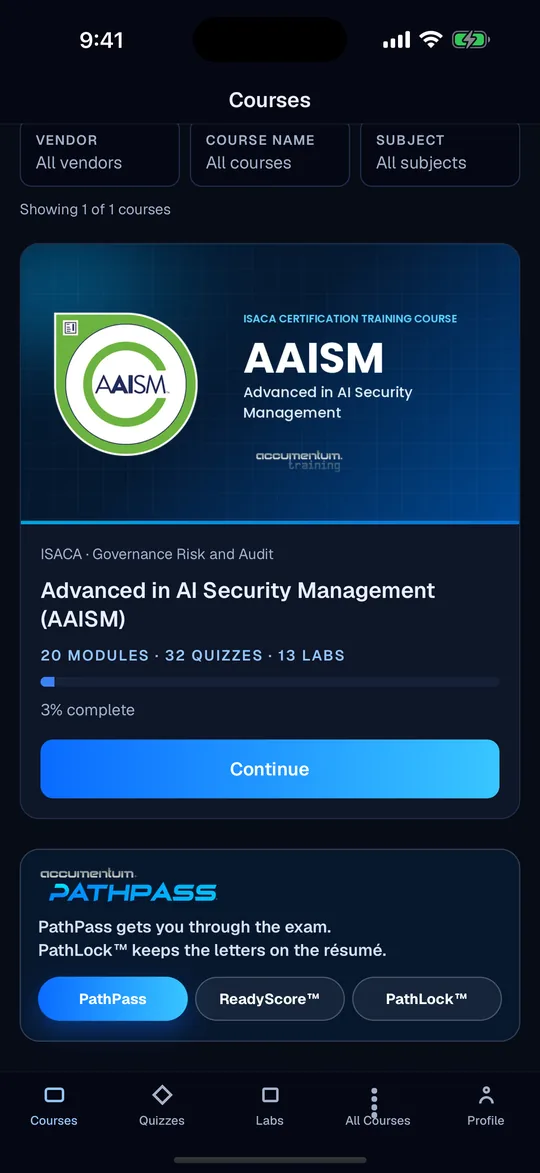
Up-to-date training modules taught by Accumentum instructors. Video lessons resume where you left off so a commute or lunch break still moves the course forward.
Accumentum training portal
We built PathLearn™ so your certification journey stays in one place. Expert-led training modules, challenging lab environments, and practice quizzes work together as one fully encompassing training experience.
Approved students open PathLearn™ on the web at training.accumentum.net.
The iPhone app is launching soon.
Why PathLearn™
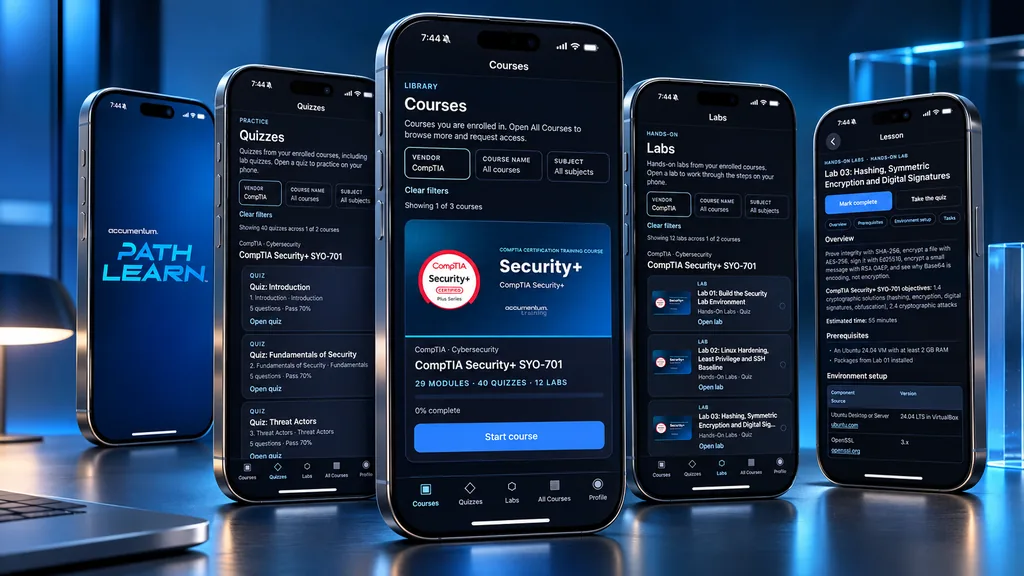
We designed PathLearn™ around how working professionals actually prepare. You learn with Expert-led modules, prove skills in labs, and check readiness with practice quizzes. Progress stays with you across phone and web.
Up-to-date training modules taught by Accumentum instructors. Video lessons resume where you left off so a commute or lunch break still moves the course forward.
Hands-on labs built to match what the job and the exam expect. You practice accurate scenarios, not slide-only theory.
Quiz questions with clear results so you see what you know and what still needs work before test day.
Inside the portal
Courses, modules, labs, and quizzes share one login. Filter by vendor, subject, or course. Pick up on iPhone or the web with the same progress.
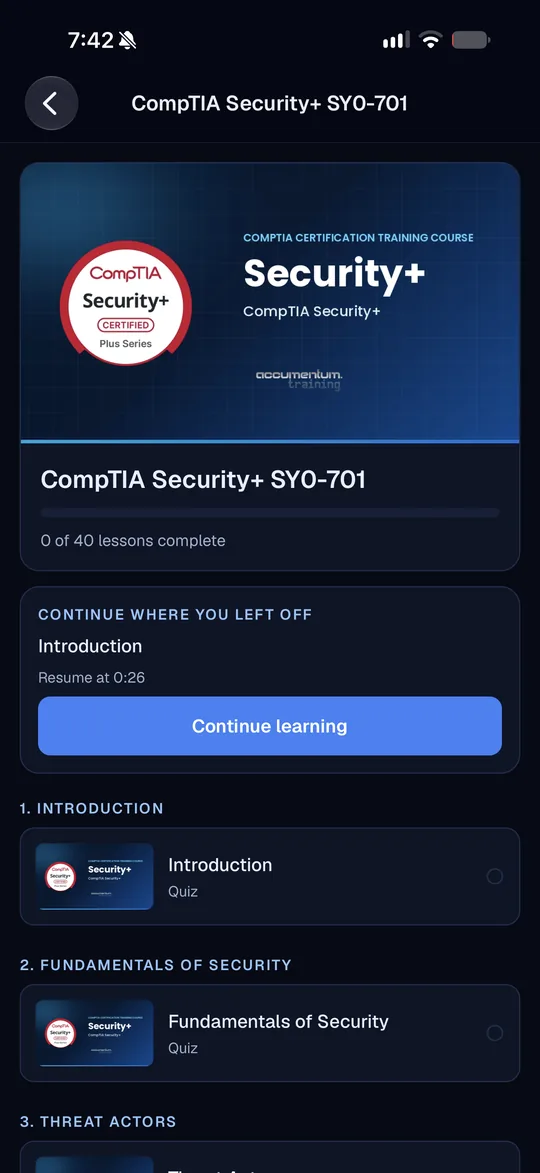
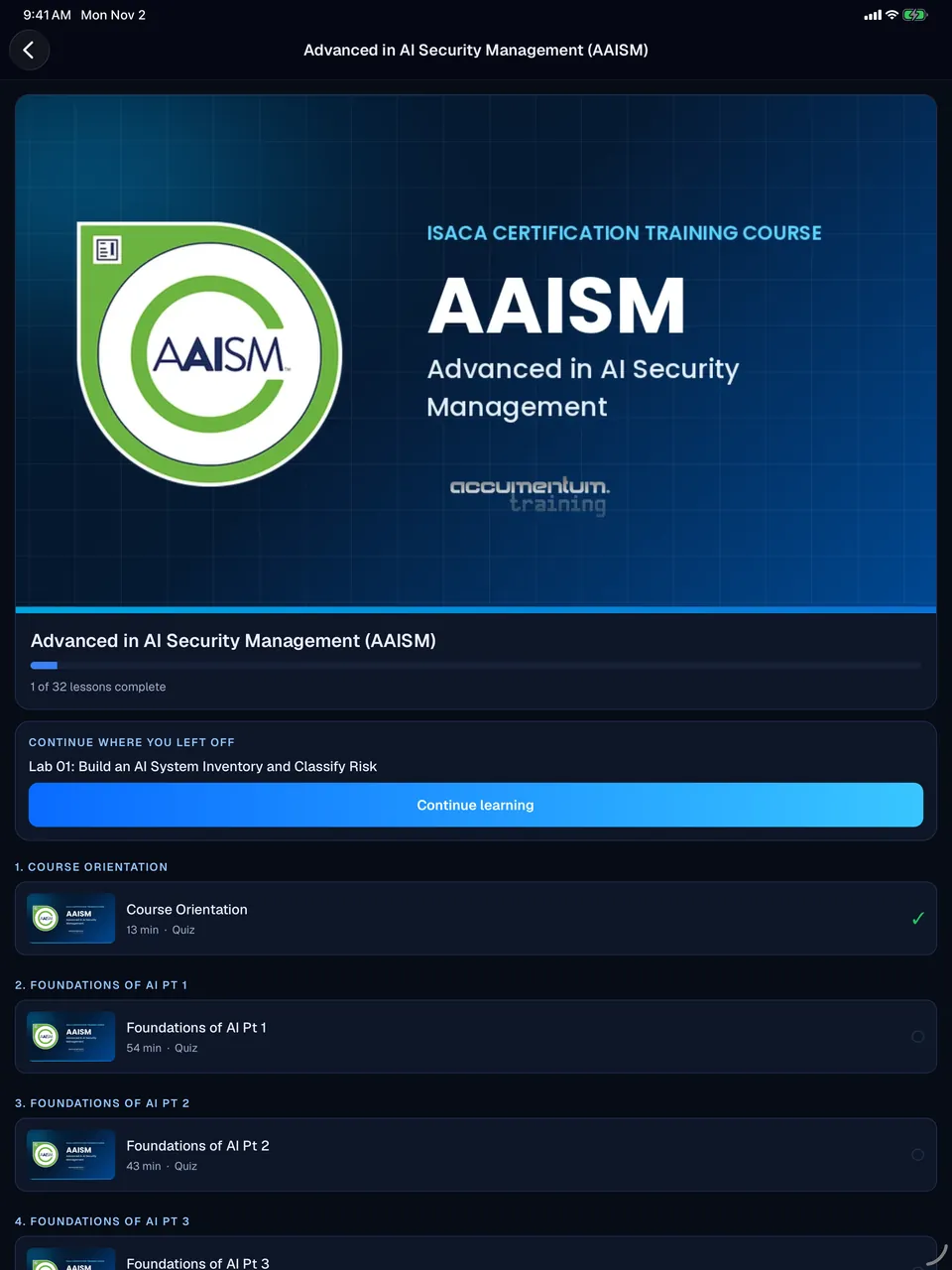
Open a module, watch, pause, and come back later. PathLearn™ remembers where you stopped so training fits a working schedule.
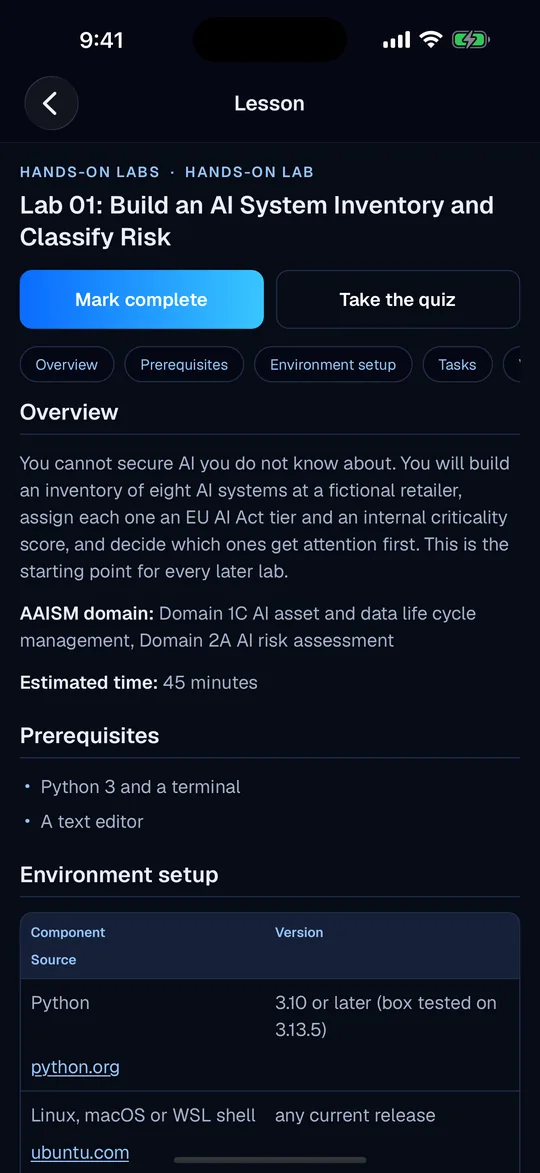
We put challenging lab environments next to the modules so practice is part of the same path. Open a lab, follow the steps, and build muscle memory for the work ahead.
Work through quiz questions, submit, and review results. You see a clear pass or score so exam prep stays honest and focused.
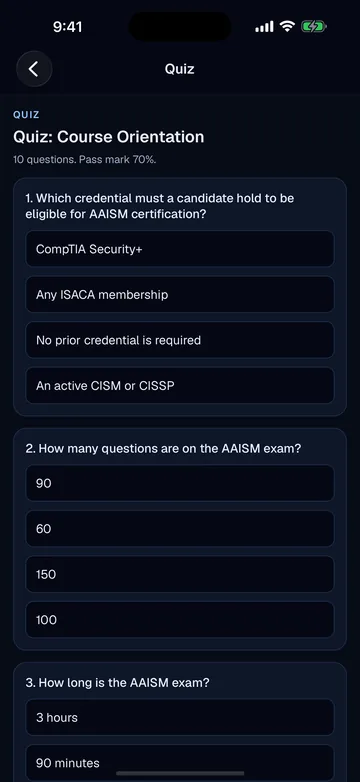
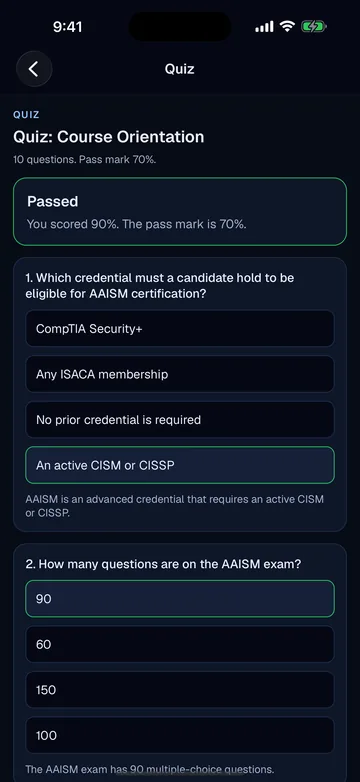
Course progress syncs between the PathLearn™ app and the web portal. Continue learning picks up your enrolled course so you always know what is next.
Access
PathLearn™ is built for approved Accumentum students. Sign in with Google when your enrollment is ready.
Open PathLearn™ in your browser at training.accumentum.net. Full catalog access for approved students, with progress that syncs to the app.
Open PathLearn™ on the webThe PathLearn™ iPhone app is approved and launching soon. Same modules, labs, quizzes, and synced progress once it ships.
App Store link coming soonHow it works
Choose your course and complete registration with Accumentum. We set up access for approved students.
Open the web portal or the iPhone app when it launches. Use Google sign-in on your approved account.
Work modules, run labs, and take practice quizzes in one portal. Filter the catalog when you stack credentials.
Continue learning where you left off. Progress stays synced so phone and web feel like one PathLearn™ experience.
FAQ
PathLearn™ is Accumentum’s training portal. It brings Expert-led modules, hands-on labs, and practice quizzes together for enrolled students.
Approved Accumentum students. After you register and your enrollment is ready, you sign in on the web or the iPhone app when it launches.
Not yet. The iPhone app is approved and launching soon. The web portal at training.accumentum.net is available now for approved students.
Yes. Course progress syncs across the PathLearn™ app and the web portal so you can continue where you left off.
PathLearn™ covers 200+ training courses, 700+ practice quizzes, and 450+ hands-on labs for approved Accumentum students.
PathLearn™ is the training portal for modules, labs, and practice quizzes. PathPass® is Accumentum’s separate exam-prep practice bank app.
Get started
Register for Accumentum training, then open PathLearn™ when your access is ready. We keep modules, labs, and exam prep in one portal built for working professionals.