
The short version
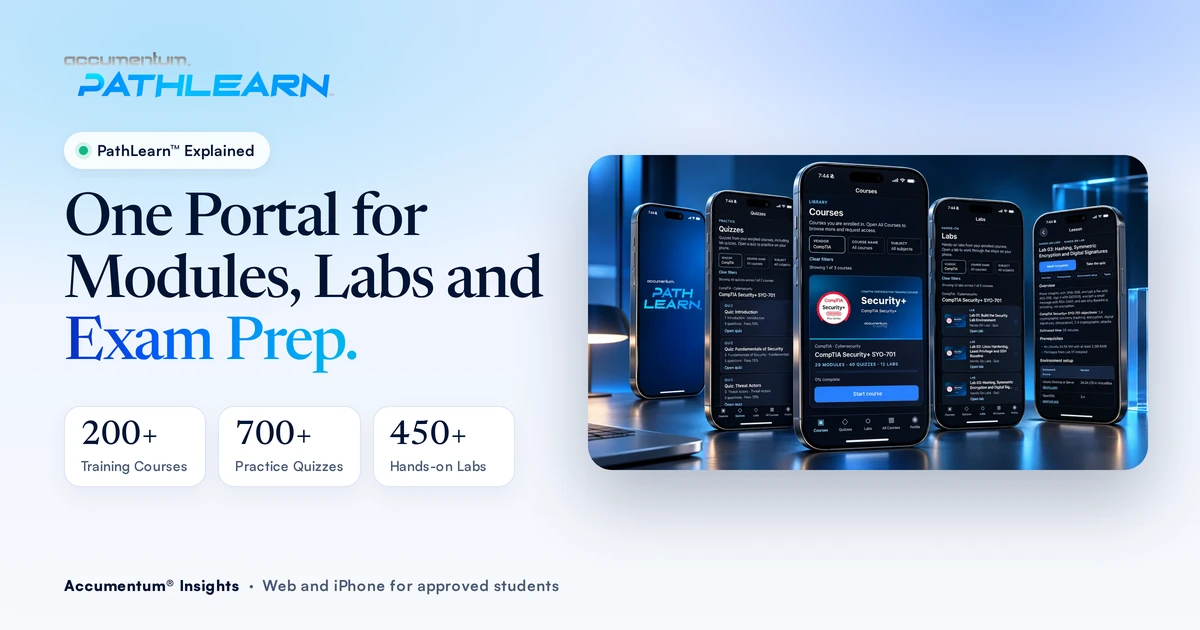
PathLearn™ is our certification training portal. Expert-led video modules, hands-on labs and practice quizzes live behind one login, on the web at training.accumentum.net and in the PathLearn™ iPhone app. Access comes with approved Accumentum enrollment, and your progress syncs between phone and web so you can study in short blocks wherever you are.
- 200+Training courses in the catalog
- 700+Practice quizzes for exam prep
- 450+Hands-on labs next to the modules
- Web and iPhoneOne account with synced progress
Most people who prepare for a certification end up with a pile of tools. A video course in one tab, a lab environment somewhere else, a question bank in an app, and progress tracked in their head. Every switch costs time, and it's easy to watch hours of video without ever practicing the work the exam actually tests.
We built PathLearn™ to fix that for our students. This guide explains what's in it, how access works, and how to use modules, labs and quizzes together so each study week moves you closer to test day. Our students have a 98.8% pass rate and 2,419 alumni have certified with us. A steady routine across all three parts is a big reason why.
What Is PathLearn™?
PathLearn™ is Accumentum's training portal for approved students. It brings three things into one experience:
- Expert-led modules. Video lessons taught by Accumentum instructors, with playback that resumes where you stopped.
- Hands-on labs. Lab environments placed next to the modules, with steps ready to run, so practice is part of the same path.
- Practice quizzes. Quiz questions with results after you submit, including your score, so you can see what you know and what still needs work.
You use the same account on the web portal at training.accumentum.net and in the PathLearn™ iPhone app. Both are available now. The official product site is pathlearn.net, and our summary lives at accumentum.net/pathlearn.
Why Do Modules, Labs and Quizzes Belong in One Place?
Modern certification exams check whether you can do the work, not only whether you recognize a definition. CompTIA exams include performance-based questions where you configure or troubleshoot in a simulated environment. Cloud and networking exams ask you to apply a concept in a scenario. Reading and watching alone won't prepare you for that.
Learning research points the same way. Two of the most effective study techniques are retrieval practice, meaning you pull answers out of memory instead of rereading, and spacing your study across weeks. We cover the evidence in our guide on how to prepare for a certification exam. A portal that pairs a lesson with a lab and a quiz builds both habits into your normal week.
Keeping everything together also helps in quieter ways:
- Less switching. One login and one catalog means a free 20 minutes turns into study time instead of setup time.
- Honest feedback. A quiz right after a module shows quickly whether the lesson stuck.
- Clear next steps. Continue-learning cards show what's next, so you don't lose your place between sessions.
What's Inside the PathLearn™ Portal?
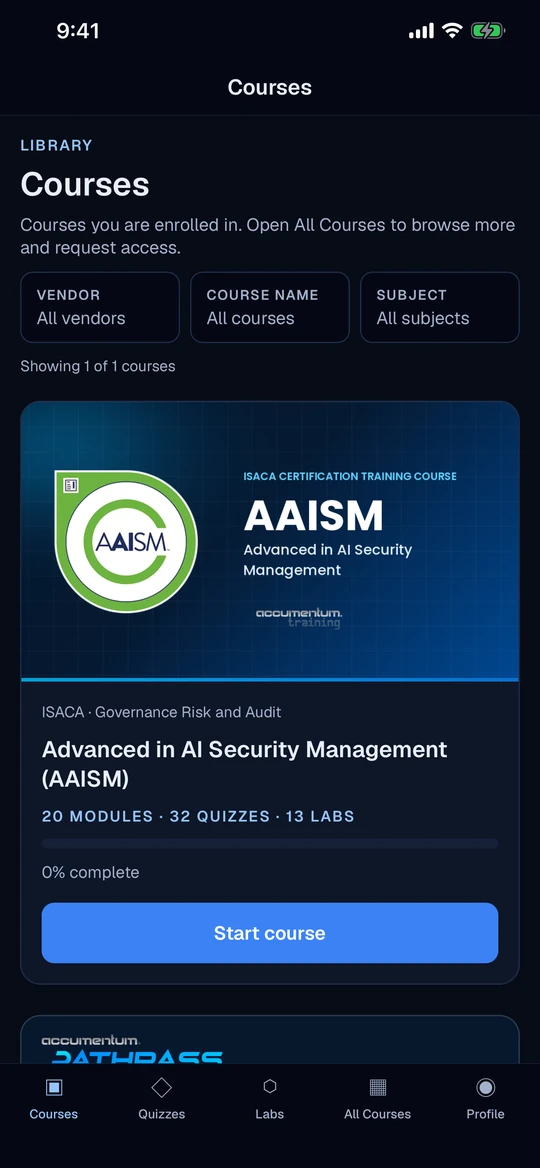
Courses, modules, labs and quizzes share one login. You can filter the catalog by vendor, subject or course, which helps when you're stacking credentials, like Security+ followed by CySA+.
Expert-Led Video That Fits a Work Week
Course Orientation and module lessons play in one player. Pause on a commute and pick up at lunch, because PathLearn™ remembers where you stopped.
Practice Tied to What You Just Studied
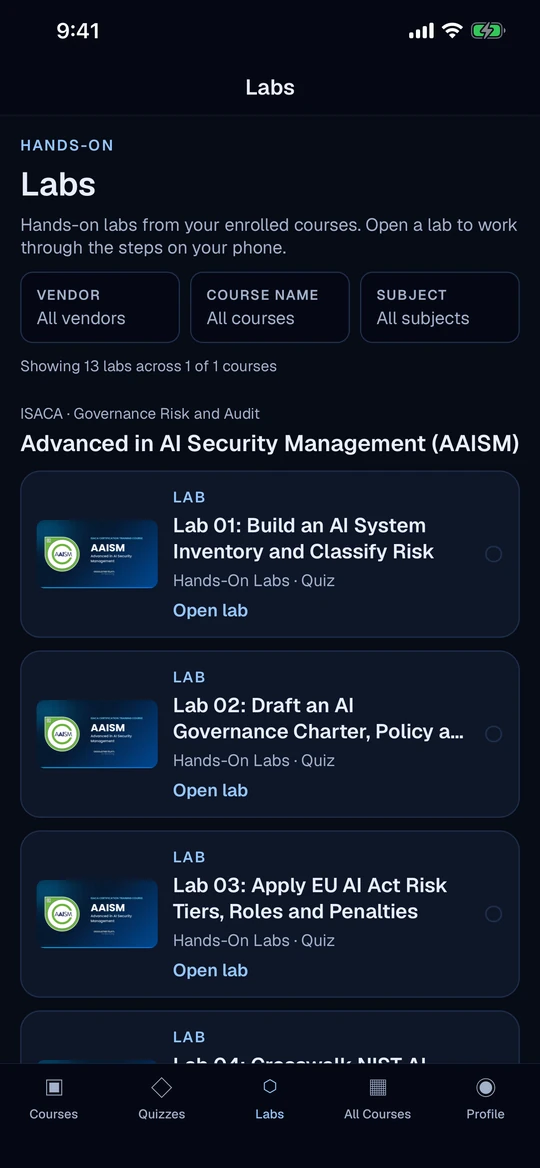
Each enrolled course has a Labs tab. Open a lab, follow the steps and build muscle memory for the tasks the job and the exam expect.
Practice Quizzes That Show Where You Stand
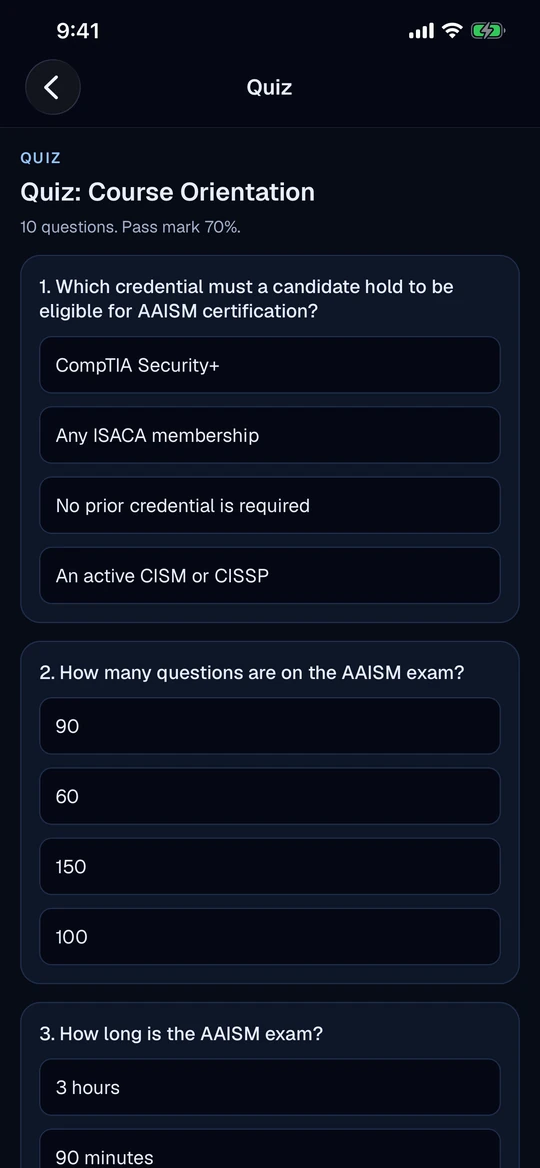
Answer live questions, submit and review your results with a score. Use them to decide what to revisit before you move on.
Progress That Follows You
Lesson and module progress syncs between the app and the web portal. Continue-learning cards on Courses home take you straight back in.
How Do You Get Access to PathLearn™?
PathLearn™ is built for approved Accumentum students. Here's how access works, step by step.
- Step 1. RegisterChoose your course and complete registration with Accumentum. We set up access for approved students.
- Step 2. Sign inOpen the web portal or the iPhone app and sign in with your approved account.
- Step 3. Train end to endWork modules, run labs and take practice quizzes in one portal.
- Step 4. Track progressContinue where you left off on either device. Progress stays synced.
Downloading the app doesn't create enrollment. Access follows Accumentum registration and approval. If you download the app first, you'll be able to sign in once your enrollment is ready.
A Weekly Study Loop That Uses All Three
Having modules, labs and quizzes in one place only helps if you use them together. Here's the loop we recommend to students. Adjust the days to your schedule, but keep the order.
- Pick one domain for the week. Start from the official exam objectives and choose the next domain on your plan, weighted toward the ones worth the most points.
- Watch the modules in short blocks. Two or three sessions of 20 to 40 minutes beat one long sitting. Resume playback makes this easy on a phone.
- Run the lab while it's fresh. Do the matching lab within a day of the lesson. If a step confuses you, rewatch only that part of the module.
- Take the practice quiz without notes. Treat it as recall practice, not a test you have to ace.
- Log your misses. For every wrong answer, write down the objective and why you missed it. That list tells you what to revisit.
- Revisit an old domain. End the week with a quiz from a domain you finished two or three weeks ago. Spacing is what makes it stick.
When your quiz results are consistent across domains, move to timed, full-length practice. That's where PathPass® comes in.
PathLearn™ vs PathPass® vs ReadyScore™: Which Do You Need?
These three tools often get mixed up. They do different jobs, and many students use all three.
| Tool | What it's for | What's in it | How you get it |
|---|---|---|---|
| PathLearn™ | Building the skill | Expert-led modules, hands-on labs, practice quizzes, synced progress | Approved Accumentum enrollment, then sign in on web or iPhone |
| PathPass® | Exam-style practice | Practice question banks for major exams | $19 a month for one exam or $39 for all banks, with a free preview |
| ReadyScore™ | Checking where you stand | 30 questions weighted to the official domains, about 15 minutes, 100 exams | Free |
A simple way to remember it: ReadyScore™ tells you where you stand, PathLearn™ builds the skill, and PathPass® gets you used to the exam itself.
Who Is PathLearn™ For?
- Working professionals who need training that fits around a full-time job, with lessons that resume where they stopped.
- Career changers who need hands-on practice, not only theory, before they sit their first exam.
- Credential stackers moving from one certification to the next who want one catalog to filter by vendor and subject.
- Service members, veterans and spouses training with us. We're an Army CA and Air Force COOL Approved Vendor, and our military benefits page explains funding options.
- Teams getting certified together who want every learner working from the same modules and labs.
Where PathLearn™ Fits in PathSuite™
PathLearn™ is the Learn step in PathSuite™, the set of Accumentum tools that follows a certification from funding to proof of skill.
- FundPathPay® monthly plans
- LearnPathLearn™ modules, labs and quizzes
- PrepReadyScore™ and PathPass®
- KeepPathLock™ renewal tracking
- ProveMeritSOLV™ reviewed project work
If cost is the first question, PathPay® splits tuition into 3 to 18 monthly payments, with 0% on 3, 4 and 6 month plans.
Your Next Step
Pick the certification you're working toward, browse the training catalog, and register. Once your enrollment is approved, sign in to PathLearn™ on the web or on iPhone and start your first module.
Frequently Asked Questions
What is PathLearn™?
PathLearn™ is Accumentum's certification training portal. Expert-led video modules, hands-on labs and practice quizzes share one login on the web and in the iPhone app, so your training stays in one place.
Who can use PathLearn™?
Approved Accumentum students. You register for training first, and once your enrollment is ready you sign in on the web portal at training.accumentum.net or in the iPhone app. Downloading the app alone does not create enrollment.
Is there a PathLearn™ iPhone app?
Yes. PathLearn™ is available now on the App Store, with the same modules, labs, quizzes and synced progress as the web portal.
Does my progress sync between phone and web?
Yes. Lesson and module progress syncs between the app and the web portal, so a lesson you start on one device continues on the other.
How much content is in PathLearn™?
The catalog covers 200+ training courses, 700+ practice quizzes and 450+ hands-on labs. You can filter it by vendor, subject or course name.
How is PathLearn™ different from PathPass®?
PathLearn™ is the training portal where you build the skill with modules, labs and quizzes. PathPass® is a separate practice bank app focused on exam-style questions. Many students use both.
Sources
All checked November 10, 2026.
- PathLearn™ official site, features, access and FAQ: pathlearn.net
- PathLearn™ web portal for approved students: training.accumentum.net
- PathLearn™ on the App Store: apps.apple.com PathLearn™
- PathPass® pricing and practice banks: accumentum.net/pathpass
- PathPass® ReadyScore™ format and exam coverage: accumentum.net/exam-readiness-score
- Research on retrieval practice and spacing, summarized with citations in How to Prepare for a Certification Exam
- Accumentum pass rate and certified alumni: internal records of student exam attempts since August 2022.